For D2C food and drink brands
Orders from your link, stock that keeps up
Customers order through your storefront link and WhatsApp; the desk counts what you have and flags what is running low.
Orders · stock · payments
Marsa for Shops
Orders, stock and tomorrow's prep on one desk.
For shops that sell from stock, cafés, bakeries, grocers and beauty shops among them: the orders that reach you on WhatsApp and through your storefront link, your stock counts and, for food, tomorrow's prep sheet, on one page on your phone.
01
Your storefront link takes orders
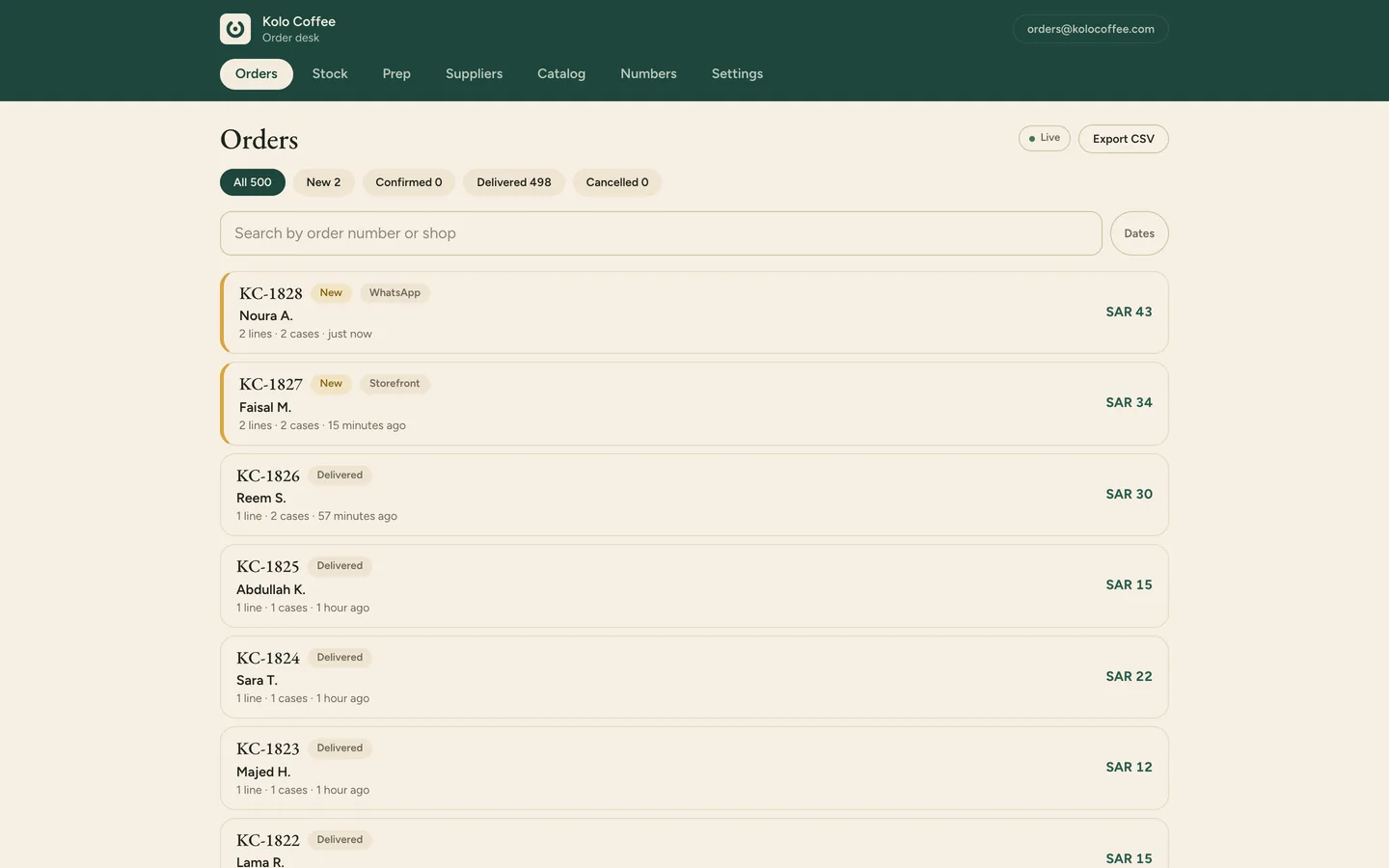
Customers open your link from your bio or a story, pick what they want and send the order on WhatsApp. The same order lands on your desk with its own number before the chat even opens.
02
Forward a WhatsApp order to the desk
An order that arrives as a plain message goes to the platform's WhatsApp line with one forward. The desk reads it against your own menu, logs it with a number and keeps the customer's words beside it. If an item is unclear, it asks you which one.
03
Confirm, then mark it done
Open an order, confirm it, and tap Done when it leaves the counter. The items you count come off your stock at that moment.
Book a demo and we walk you through the edition that fits your business.